

Services /Collaboration Security

Collaboration Security

Teams, SharePoint and OneDrive — governed, scanned and safe to share.

Overview

What we deliver

Protection and governance for the places your people actually work: malware scanning of shared files, controlled external sharing and guest access, sensitivity labelling, and retention that stops SharePoint becoming a liability.

  • Malware scanning for Teams, SharePoint and OneDrive
  • External sharing and guest access controls
  • Sensitivity labels and DLP policies
  • Teams creation governance and naming standards
  • Retention and lifecycle policies
  • Oversharing reports before Copilot rollout
Securing Teams and SharePoint collaboration
Problems we solve
  • Files shared publicly by accident
  • Guest accounts nobody reviews
  • Malware spreading through Teams and SharePoint
  • No labelling or retention on sensitive documents

Outcomes

What you can expect

Sensitive files stay internal

Malware contained, not shared

Copilot-ready permissions

At a glance

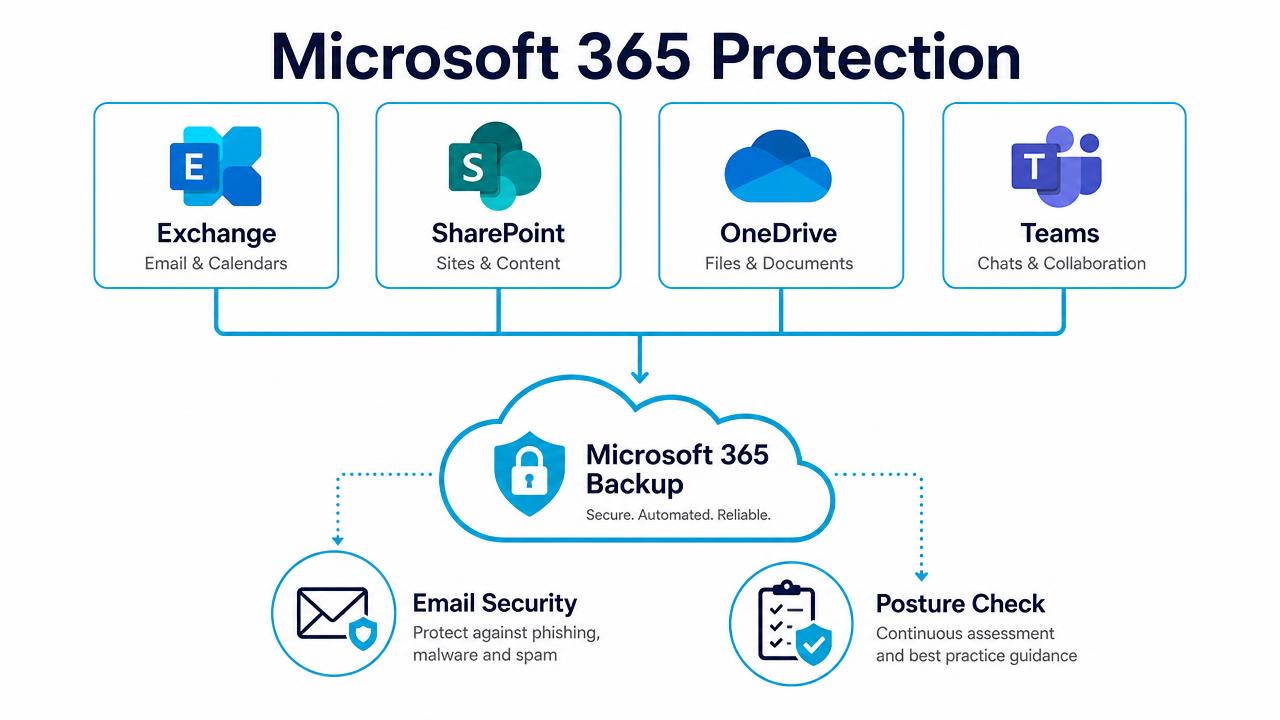
Collaboration Security explained

Microsoft 365 protection diagram covering Exchange, SharePoint, OneDrive and Teams

Backup, email security and posture management across Microsoft 365.

In depth

How the service works

Protect the tools that replaced email

Once an attacker is inside a tenant, the next payload arrives as a Teams link or a shared OneDrive file, not an email. AI-powered scanning covers Teams messages and files, SharePoint sites and OneDrive content with the same detection engine used for mail, quarantining malicious content before it is opened.

Sharing under control

External sharing policies, guest access review, anonymous-link restrictions, sensitivity labelling and retention are configured to a documented baseline — so the site somebody shared publicly two years ago is found and closed rather than discovered by a customer.

Copilot-ready permissions

Copilot surfaces anything a user is technically allowed to see. Before rollout we run an oversharing report across SharePoint and OneDrive, tighten broad permissions and remove stale guest access, so the AI does not quietly hand payroll data to the wrong person.

FAQs

Common questions

Does Microsoft not already scan Teams and SharePoint?

Only within certain licence tiers and with a narrower engine. This adds independent, real-time scanning across all collaboration content.

Will external sharing still work?

Yes — it is governed, not switched off, with approved domains and expiring links.

How long does a permissions review take?

Typically one to two weeks for an SME tenant, including remediation.

Book a Collaboration Security Review

A 30-minute review of your IT, security and cloud setup, with clear recommendations. No obligation.