

Services /Microsoft 365 Email Protection

Microsoft 365 Email Protection

Layered protection on top of Exchange Online — because native filtering isn't enough.

Overview

What we deliver

Advanced email protection for Microsoft 365 covering phishing, impersonation, malicious attachments and links, plus correct SPF, DKIM and DMARC so your own domain can't be spoofed.

  • Advanced anti-phishing and impersonation defence
  • Attachment sandboxing and disarm
  • Time-of-click link protection
  • Internal and outbound mail scanning
  • SPF, DKIM and DMARC enforcement
  • Quarantine and release workflow
Microsoft 365 email protection
Problems we solve
  • Phishing bypassing native Microsoft filtering
  • Your domain being spoofed to your customers
  • Malicious attachments delivered unopened-but-live
  • No control over internal mail spread

Outcomes

What you can expect

Fewer phishing emails delivered

Domain spoofing shut down

Cleaner, safer mail flow

At a glance

Microsoft 365 Email Protection explained

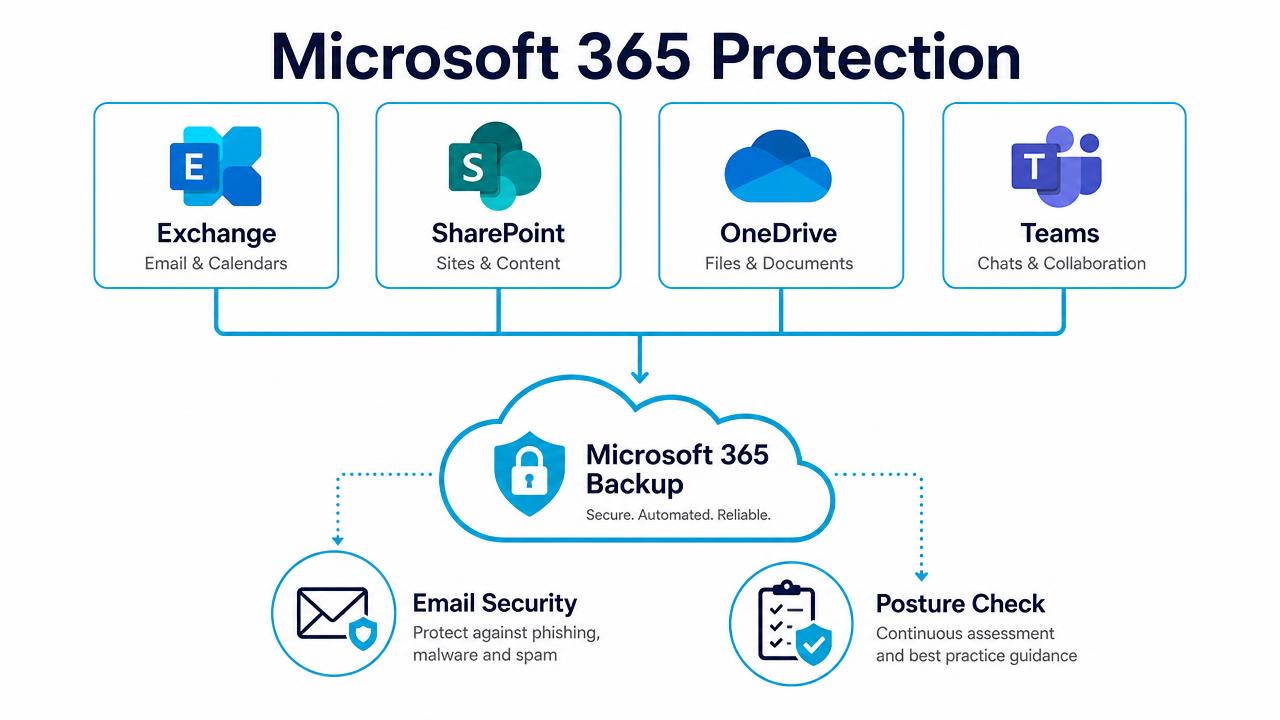
Microsoft 365 protection diagram covering Exchange, SharePoint, OneDrive and Teams

Backup, email security and posture management across Microsoft 365.

In depth

How the service works

A second engine in front of Exchange Online

Native Microsoft filtering is a good first layer and a poor last one. An independent detection engine scanning 100% of mail in real time — with sandboxing, content disarm and reconstruction, and signature-less analysis — catches the zero-day attachments and freshly registered phishing domains that pass first inspection.

Impersonation and payment fraud

Display-name spoofing, look-alike domains, supplier account takeover and bank-detail change requests are detected on behavioural and language signals rather than on malware, which is what stops the attacks that actually move money.

Your own domain, locked down

We implement and monitor SPF, DKIM and DMARC to enforcement, so your domain cannot be used to phish your customers, and we report on the alignment failures we see.

FAQs

Common questions

Does this replace Defender for Office 365?

It can run alongside it as an additional layer, or replace it where that is more cost-effective. We assess your licences first.

Is there any mail flow risk during deployment?

No — API-based onboarding requires no MX change and can be reversed instantly.

What is DMARC and do we need it?

It stops other people sending mail as your domain. Yes — most enterprise customers and insurers now expect it enforced.

Book a Free Email Security Scan

A 30-minute review of your IT, security and cloud setup, with clear recommendations. No obligation.